30 Instagram story ideas, sorted by what you want them to do

On this page
In short
Good Instagram story ideas give people something to tap. Mix polls, quizzes and question boxes with behind-the-scenes clips, gentle selling with link and countdown stickers, and evergreen stories saved to Highlights, since stories disappear after 24 hours. Then check story insights to see which ideas earned replies and taps.
Key takeaways
- Stories disappear after 24 hours unless you add them to a Highlight, which makes them the right place for casual, frequent posts.
- The best story ideas give people something to tap: a poll, a quiz, a question box, a countdown or a link.
- Mix four kinds of stories through the week: ones that start a conversation, show the real you, sell something and get saved to Highlights.
- Story insights stay available for up to two years, so you can see which ideas earned replies, taps and follows.
Running out of Instagram story ideas usually means posting the same type of story every day. A photo of your coffee, a repost, another photo. Followers stop tapping through because they can guess what's next. The fix isn't more effort, it's more variety, and most of that variety is already built into the sticker tray.
Below are 30 ideas sorted by what you want the story to do, each paired with the Instagram feature that makes it work. Every feature detail comes from Instagram's Help Center, checked in October 2026. Instagram notes that some stickers may not be available in every country, including in Europe and Japan, so if one is missing, update the app first and then pick the closest alternative.
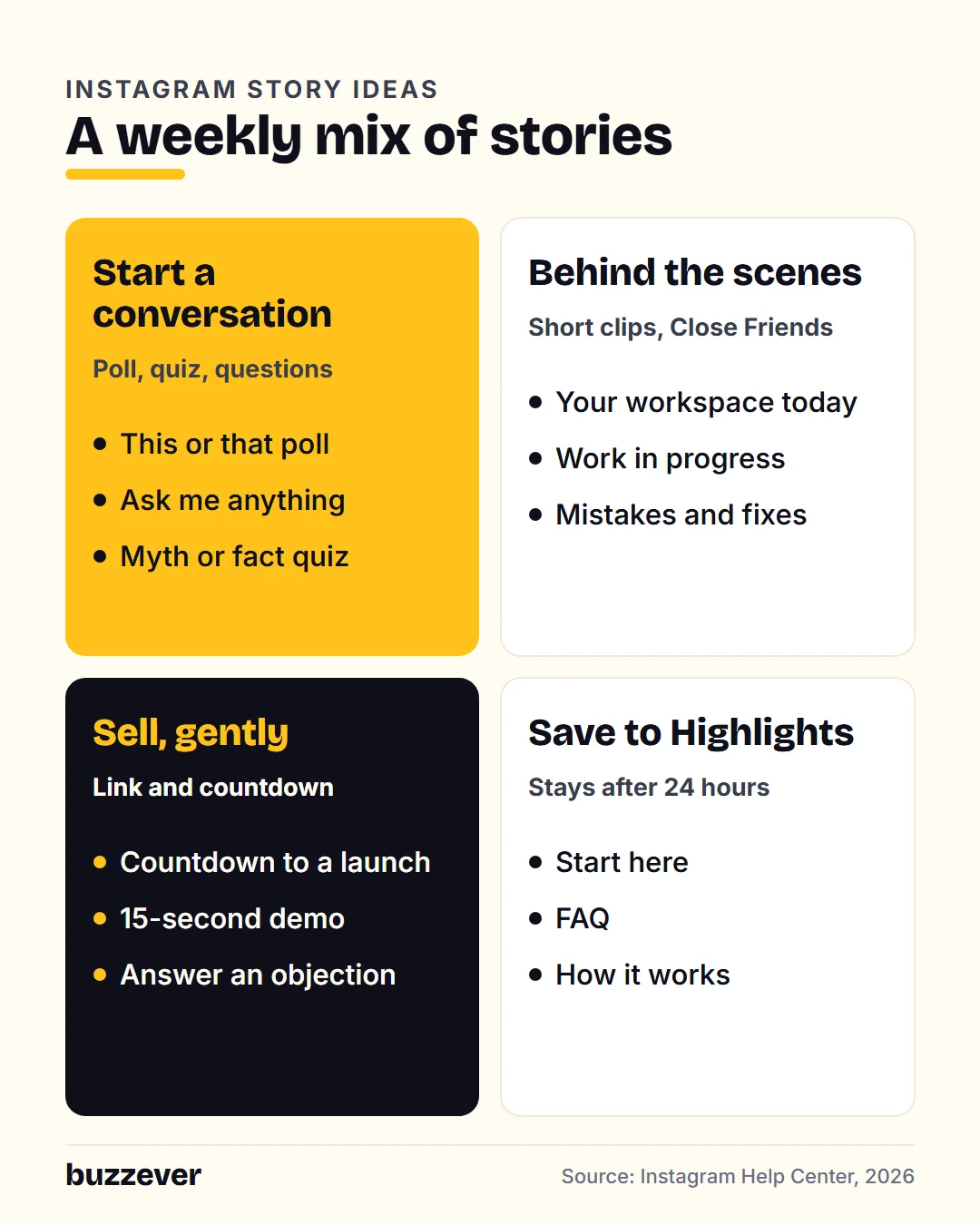
How Instagram stories work in 2026
A few rules shape what works. Photos and videos you share to your story disappear after 24 hours unless you add them as a Highlight. Highlights stay on your profile until you remove them, and anyone allowed to see your stories can see them. You can see who viewed each story, and look back at that list for up to 48 hours. Stickers are added from the sticker button at the top of the screen, and the list includes polls, quizzes, questions, countdowns, links, mentions, music and the Add Yours prompt.
Stories that start a conversation
These are the easiest wins, because a tap costs your followers nothing.
- This or that poll. Two options, one tap. Coffee or tea, version A or B of your next product, left or right outfit.
- Emoji slider. "How much do you need a long weekend?" People love dragging it to the end.
- Quiz on your topic. One question your followers think they know. Reveal the answer in the next story.
- Ask me anything. Use the Questions sticker, then answer the best ones over the next few days.
- Help me decide. Let followers choose your next post, colour or recipe, and show the result.
- Add Yours prompt. Start a prompt like "your desk setup" and others add their own stories to it. You'll get a notification when someone joins in.
- Myth or fact. Share a common belief in your niche and let people vote before you explain.
- Rate my work. A before and after with a slider asking for a score.
Behind-the-scenes stories
Stories are where people expect less polish, so show the parts that don't make it into posts.
- Your workspace today. A quick pan of where you work, mess included.
- A day in three clips. Morning, middle, end. Short and real.
- Work in progress. The half-finished painting, the draft design, the unedited photo.
- Mistakes and fixes. Something that went wrong and what you did about it.
- Tools you actually use. Your camera, app or kit, with one sentence on why.
- The numbers. A small milestone and what got you there.
- Your routine. How you plan a week of content, a shoot or a launch.
- Close Friends only. Share something more personal with your Close Friends list. People on it know they're on it, and nobody can ask to be added.
Stories that sell without being pushy
- Countdown to a launch. Add the countdown sticker a few days ahead, then post the reveal when it hits zero.
- Link to the thing. The link sticker sends people straight to a website. It works on organic stories only, not on story ads.
- Customer photo, shared with permission. Mention the customer so they're notified; you can mention up to 20 people in each story.
- Answer an objection. "Is it worth the price?" Answer it honestly in one story.
- How to use it. A 15-second demo of your product or service in action.
- Restock or last chance. Only if it's true. Fake urgency costs trust.
- Behind the price. Show what goes into making or delivering what you sell.
- A poll before you build. Ask which product or offer people want next, then make it.
Stories worth saving to Highlights
These answer the same questions every new visitor has, so they deserve a permanent spot.
- Start here. Who you are and what the account is about, in three slides.
- FAQ. Your most common DM questions and the answers.
- Reviews and replies. Real messages from followers or customers, shared with their permission.
- How it works. Ordering, booking or joining, step by step.
- Best of. Your top tips or favourite posts, collected in one place.
- Series. A recurring theme, such as a weekly Q&A, so people can binge it.
A weekly story plan you can keep
| Day | Story type | Feature to use |
|---|---|---|
| Monday | Conversation | Poll or emoji slider |
| Tuesday | Behind the scenes | Short clips, no stickers needed |
| Wednesday | Conversation | Questions sticker |
| Thursday | Sell | Link or countdown sticker |
| Friday | Behind the scenes | Close Friends or a day in three clips |
| Weekend | Save | Add the week's best stories to a Highlight |
Not sure when your followers are online? Our best time to post on Instagram tool gives you a starting point, and your own insights will tell you more after a few weeks.
Read your story insights
Story insights need a public account. Instagram keeps them for up to two years after a story is posted, even though the story itself expires. The numbers worth checking each week:
- Viewers: how many different accounts saw the story at least once.
- Interactions: replies, shares, sticker taps and link taps.
- Profile activity: profile visits, follows and website clicks that came from the story.
Once a month, look at your five stories with the most interactions. If they're all polls and questions, do more of those. If link stories get views but no taps, the reason to tap probably isn't clear enough.
Read next: "This story is unavailable" on Instagram: what it means and how to fix it and How to make a reel on Instagram, step by step.
Pick three ideas for this week
Choose one conversation story, one behind-the-scenes story and one Highlight idea from the list, and post them this week. Next week, check which one earned the most replies and build on it. If you need words to go with your stories, our caption generator can help, and more guides are on Buzzever's Instagram page.
Questions readers ask
What should I post on my Instagram story?
Mix four types: stories that start a conversation, such as polls and questions; behind-the-scenes clips; stories that point to something you sell or made; and evergreen stories you save to Highlights. Variety keeps people tapping through.
How long do Instagram stories last?
Photos and videos you share to your story disappear after 24 hours, unless you add them to a Highlight on your profile. Your stories are also saved to your Stories Archive unless you turn it off.
Can I see who viewed my Instagram story?
Yes. Open your story and swipe up to see the number of views and the usernames of people who viewed it. You can look back at this for up to 48 hours after posting, through your Archive. Only you can see this list.
How do I add a link to my Instagram story?
Use the link sticker from the sticker tray. When people tap it, they go to the website you linked. Instagram says link stickers work in organic stories only; story ads use their own call-to-action sticker.
How do I make my Instagram story more engaging?
Give people something to do. Polls, quizzes, emoji sliders and question boxes take one tap. Ask about your followers rather than yourself, then share the results in the next story so they see their answers mattered.