Buzzever

Author

Mufasa

Mufasa writes Buzzever's growth guides for Instagram, TikTok, YouTube and more, in plain English and checked against Buzzever's own policies.

Mufasa writes Buzzever's guides on growing Instagram, TikTok, YouTube and other social accounts. Each guide explains how a platform counts followers, likes and views, what changes after you order, and what to check before you buy. Facts about delivery, refills and refunds come straight from Buzzever's own policies, and every guide is reviewed and updated when a platform changes its rules.

Articles by Mufasa

23 articles

  • A woman relaxes on a blue sofa while scrolling on her phone
    TikTok tips

    How to get more views on TikTok, using your own analytics

    To get more views on TikTok, open TikTok Studio and find where viewers leave and how they find you. Then fix the first 5 seconds, write clear descriptions with 2 to 3 relevant hashtags, add captions, post when your viewers are active and stay eligible for recommendation.

    Mufasa

    8 min read

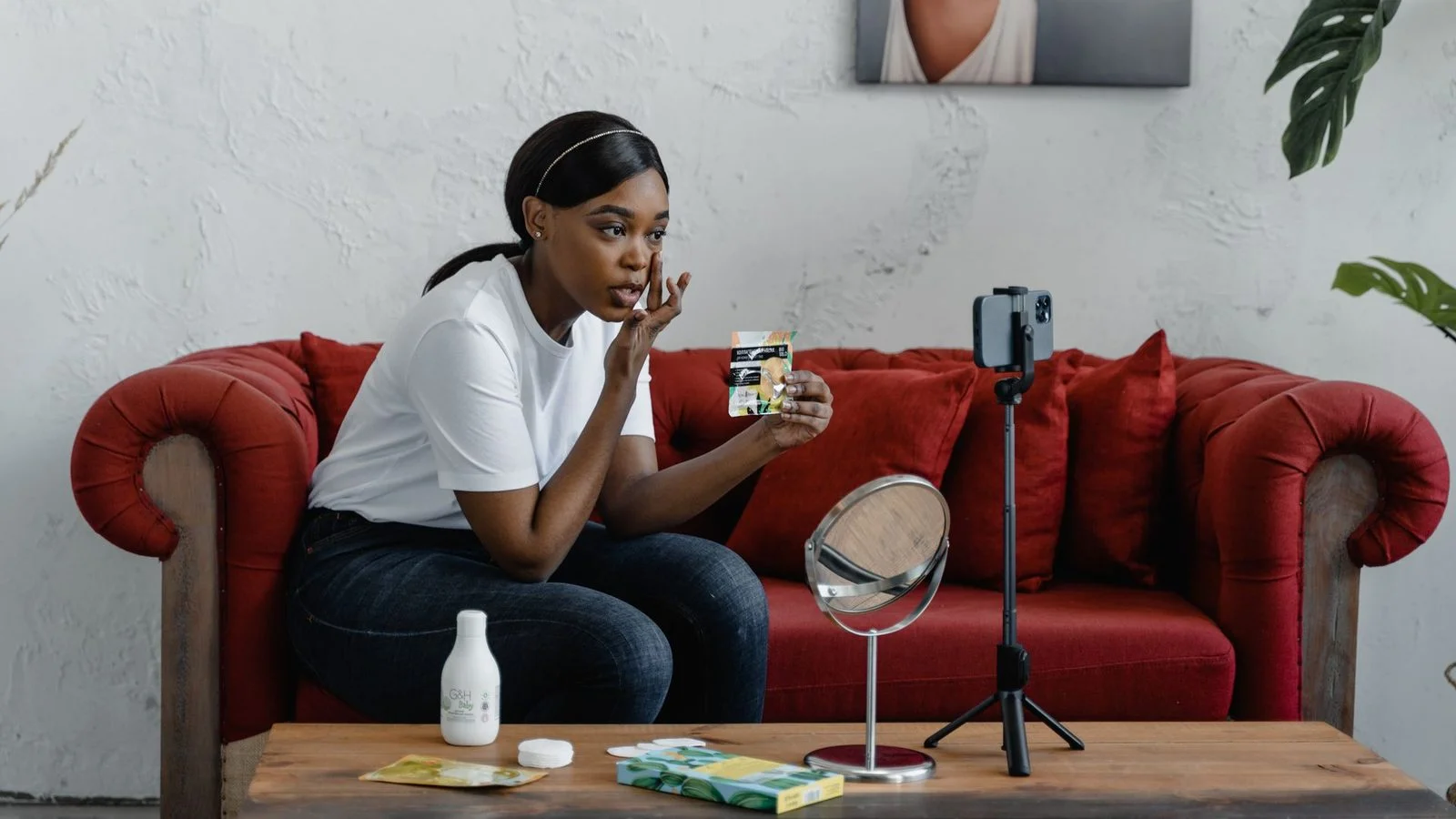
  • A woman films a makeup tutorial on a red sofa with her phone on a tripod
    Social media guides

    How to become an influencer: 6 steps, rules included

    To become an influencer, pick a niche you can sustain, switch to a creator account, post on a steady schedule and pitch brands with real data. Once a brand gives you anything of value, disclose it clearly upfront and use the platform's paid partnership label too.

    Mufasa

    8 min read

  • A phone on a gimbal records a woman cooking in her kitchen
    Instagram marketing

    How to make a reel on Instagram, step by step

    Tap Create at the bottom of your Feed, tap REEL, then record or add clips up to 20 minutes in total. Edit on the timeline, add a cover and caption, and tap Share. Instagram says reels over 3 minutes won't be recommended to new audiences.

    Mufasa

    7 min read

  • A woman sits on her living room floor in front of a camera on a tripod
    YouTube tips

    How to start a YouTube channel: a 6-step setup

    To start a YouTube channel, sign in with a Google Account, create the channel from your settings as a personal channel or a Brand Account, pick a name and @handle, verify your phone, brand the channel and upload from YouTube Studio. Each step follows YouTube Help.

    Mufasa

    8 min read

  • A young man films himself at home with a phone mounted on a tripod
    TikTok tips

    How to go viral on TikTok: what the For You feed rewards

    Nobody can guarantee a viral TikTok, but TikTok publishes what its For You feed reads: watching, sharing, commenting and skipping. Hook viewers within 5 seconds, tell a short story, use sound that fits, make videos worth sending, and stay within the For You feed eligibility rules.

    Mufasa

    8 min read

  • Two friends smile while watching a video together on one phone
    TikTok tips

    How to repost on TikTok, and how to undo it

    To repost on TikTok, open the video, tap Share, then Repost, or press and hold the video. The repost appears in your followers' For You feed with your name on it. Remove it with Share, then Delete repost, but its replies are deleted too.

    Mufasa

    7 min read

  • A frowning woman holds her hand to her head while looking at her phone by a window
    Instagram marketing

    How to know if someone blocked you on Instagram

    You can't know for certain, because Instagram doesn't notify people when they're blocked. The best clue is a profile that's missing for you but visible to a friend. Rule out a deactivated account, a new username or a hidden story before deciding.

    Mufasa

    7 min read

  • A smiling woman sets her phone into a ring light stand before going live
    TikTok tips

    How to go live on TikTok: requirements, steps and replays

    To go live on TikTok, tap Add post, swipe to LIVE, add a title and tap Go LIVE. TikTok requires you to be at least 18 with 1,000 followers, a number that may vary by region. This guide covers phone and desktop, moderation, LIVE Events and replays.

    Mufasa

    7 min read

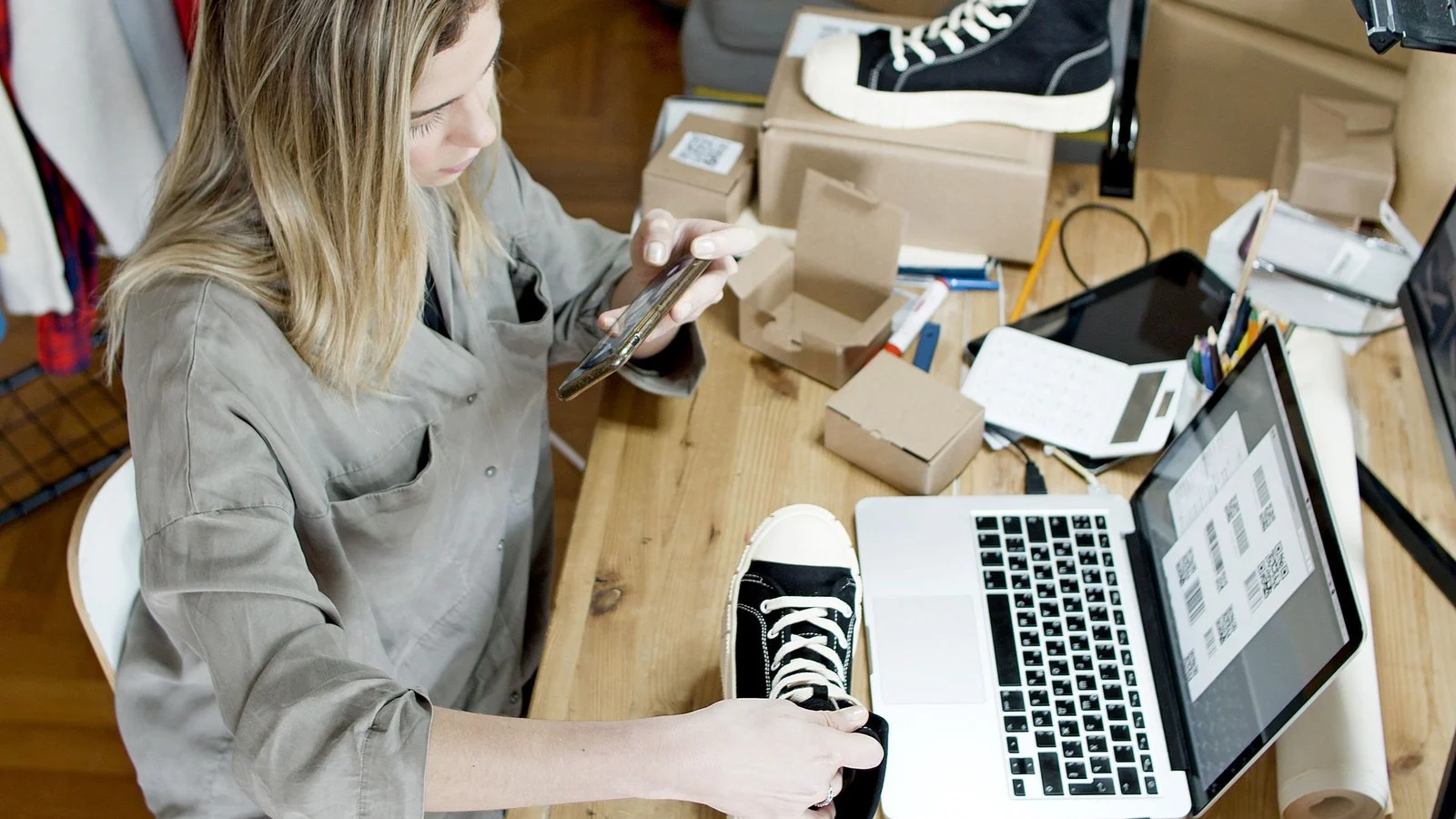
  • A woman photographs a pair of sneakers at a packing table with a laptop and boxes
    Facebook tips

    How to promote your business on Facebook: free steps first, paid last

    To promote your business on Facebook, create a Page, fill in your contact details, address and hours, post things people want to share, and use Reels, since every Facebook video is now a reel. Then put a small budget behind a post that already performs, with Boost Post, or use Ads Manager for more control.

    Mufasa

    7 min read